正如上月所承诺,苹果公司周一宣布对 Mac 安全控制进行更改,旨在保护用户数据免受日益流行的 AI 智能体及其应用对“完全磁盘访问权限”需求的影响。“在授予应用此类非同寻常的访问权限之前,用户应当理解,这会让其 Mac 上的所有数据面临风险,”苹果在一篇面向应用开发者的新博客文章中警告道。
As promised last month, Apple on Monday announced changes to Mac security controls designed to protect users’ data from the growing popularity of AI agents and their apps’ demand for “full disk access.”“Before granting an app such extraordinary access, users should understand that it puts all of the data on their Mac at risk,” Apple wanred in a new blog post aimed at app developers.
与仅回答问题的 AI 聊天机器人不同,智能体运行在用户的设备上,可代表用户在操作系统、文件和应用间采取行动。
Unlike AI chatbots that simply answer questions, agents run on a user’s device where they can take actions across the operating system, files, and apps on the user’s behalf.
尽管这些工具可能很有用,但苹果对这些 AI 智能体给用户数据和隐私带来的更高风险日益担忧。与此同时,公司也从 Mac mini 和 Mac Studio 电脑的销售中获益,AI 早期采用者专门购买这些设备来运行其本地 AI 模型。
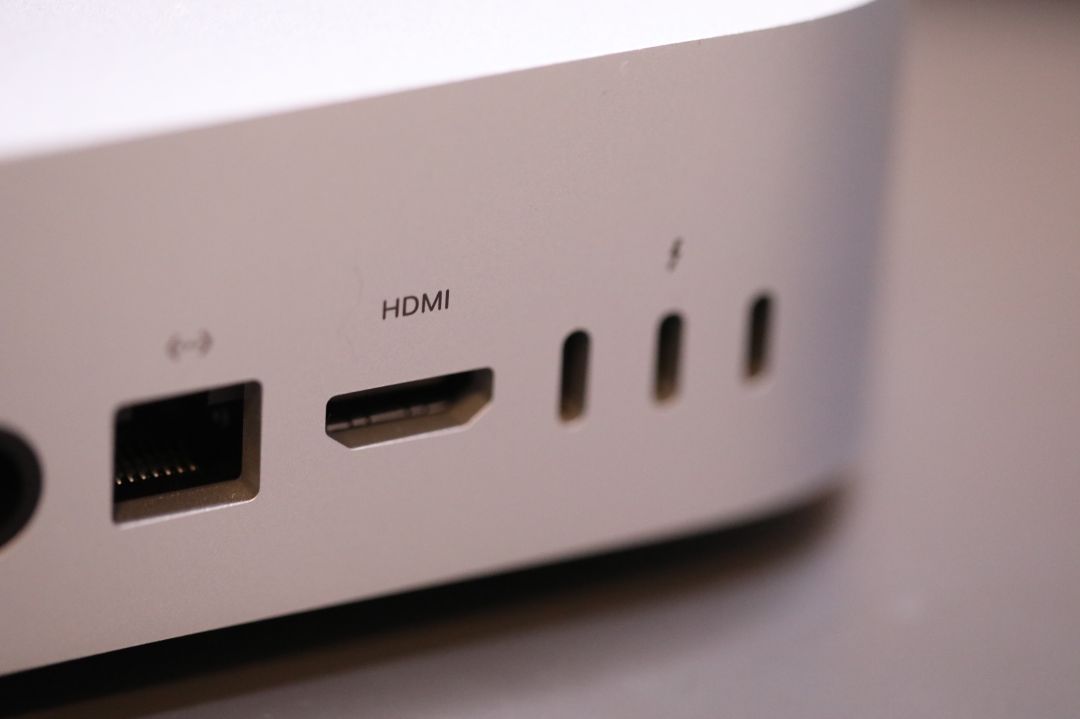
While the tools can be useful, Apple has grown concerned about the increased risks to users’ data and privacy that these AI agents introduce. At the same time, the company has been benefiting from sales of Mac minis and Mac Studio computers that AI early adopters have been purchasing specifically to run their local AI models.
为平衡这些相互竞争的利益,苹果在 10 月表示将修订一些围绕 Mac 应用的安全设置。该宣布紧随两起涉及 AI 智能体的著名事件之后。在一起事件中,一名记者声称 Meta 的 Muse 应用在未经同意的情况下读取了他们的私人信息;另一起事件中,《连线》杂志援引 ChatGPT Mac 应用中的一个漏洞,称该漏洞本可能让黑客访问敏感数据。现在,苹果正分享其正在做出的更改。
To balance these competing interests, Apple said in October that it would revise some of its security settings around Mac apps. The announcement followed two notable incidents involving AI agents. In one, a journalist claimed that Meta’s Muse app read their private messages without consent; a separate report from Wired cited a flaw in ChatGPT’s Mac app that could have allowed hackers to access sensitive data. Now, Apple is sharing the changes it’s making.
首先,它将“设备控制”和“数据访问”拆分为两项设置:“系统与应用保护覆盖”和“辅助功能”。此项更改旨在帮助用户更好地理解,选择第一项意味着覆盖内置的安全保护。
For starters, it’s splitting up Device Control and Data Access into two settings: System & App Protection Override and Accessibility. The changes is designed to help users better understand that selecting the first option means overriding built-in security protections.
为简化配置,苹果公司表示,未来将新增一种授予权限的方法,即从列表中选择请求的应用程序。公司还将推出新的指导,鼓励用户在启用“系统与应用程序保护覆盖”设置时,仅授予需要的特定应用程序访问权限。类似的指导将在用户启用“完全磁盘访问”以允许应用程序访问其文件夹时出现。
To streamline configurations, Apple says there will now also be a single method for granting permissions that involves selecting the requested app from a list. The company will also introduce new guidance encouraging users to grant access only to the specific apps that need it when they enable the System & App Protection Override setting. Similar guidance will appear when users enable Full Disk Access to allow an app to access their folders.
博客文章指出,公司还将为用户提供“更高的可见性,了解在授予完整权限时应用程序将获得访问或控制的各种数据范围”。
The company will also provide users with “increased visibility into the wide range of data apps will receive access to or control over if full permissions are granted,” the blog post notes.
另一项变更将为用户提供更细粒度的控制,使 AI 代理或应用程序在每次需要访问时都能请求权限。虽然这可能显得繁琐,并可能成为真正自动化的障碍,但该功能可让用户在不完全授权的情况下尝试本地 AI。
Another change will give users more granular control over when an AI agent or app can gain access by allowing users to configure their apps to ask for permission every time access is needed. While arguably tedious and a potential obstacle to true automation, the feature could allow users to experiment with local AI without giving the agent carte blanche.
此外,还将新增一个透明度指示器,当应用程序通过“系统与应用程序保护覆盖”选项控制另一应用程序时,该指示器将出现。
There will also be a new transparency indicator that appears when an app is controlling another app through the System & App Protection Override option.
这些变更随 macOS 27.3 一起推出,并未阻止 Mac 用户安装和运行请求更高访问级别的 AI 代理或其他应用程序。相反,它们为用户提供了更细致的选项、控制和关于其选择的信息。
The changes, which are arriving with macOS 27.3, don’t appear to prevent Mac users from installing and running AI agents or other apps that ask for higher levels of access. Instead, they give users more nuanced options, control, and information about the choices they’re making.
苹果建议应用开发者调整其入门流程以适应新变化,并建议其应用程序学会“优雅地处理仅访问有限文件夹或应用程序的情况”。请求完全磁盘访问以进行磁盘备份或提供辅助技术的应用程序开发者可以向苹果申请例外(苹果称之为“授权”),以保留 macOS 27.3 更新前提供的相同功能。
Apple advises app developers to adjust their onboarding processes to account for the new changes and suggests that their apps learn to “gracefully handle having access to only a limited set of folders or apps.”Developers of apps that request Full Disk Access for disk backup or to provide assistive technologies can request exceptions to the new rules (which Apple calls “entitlements”) to preserve the same functionality they offered before the macOS 27.3 update.