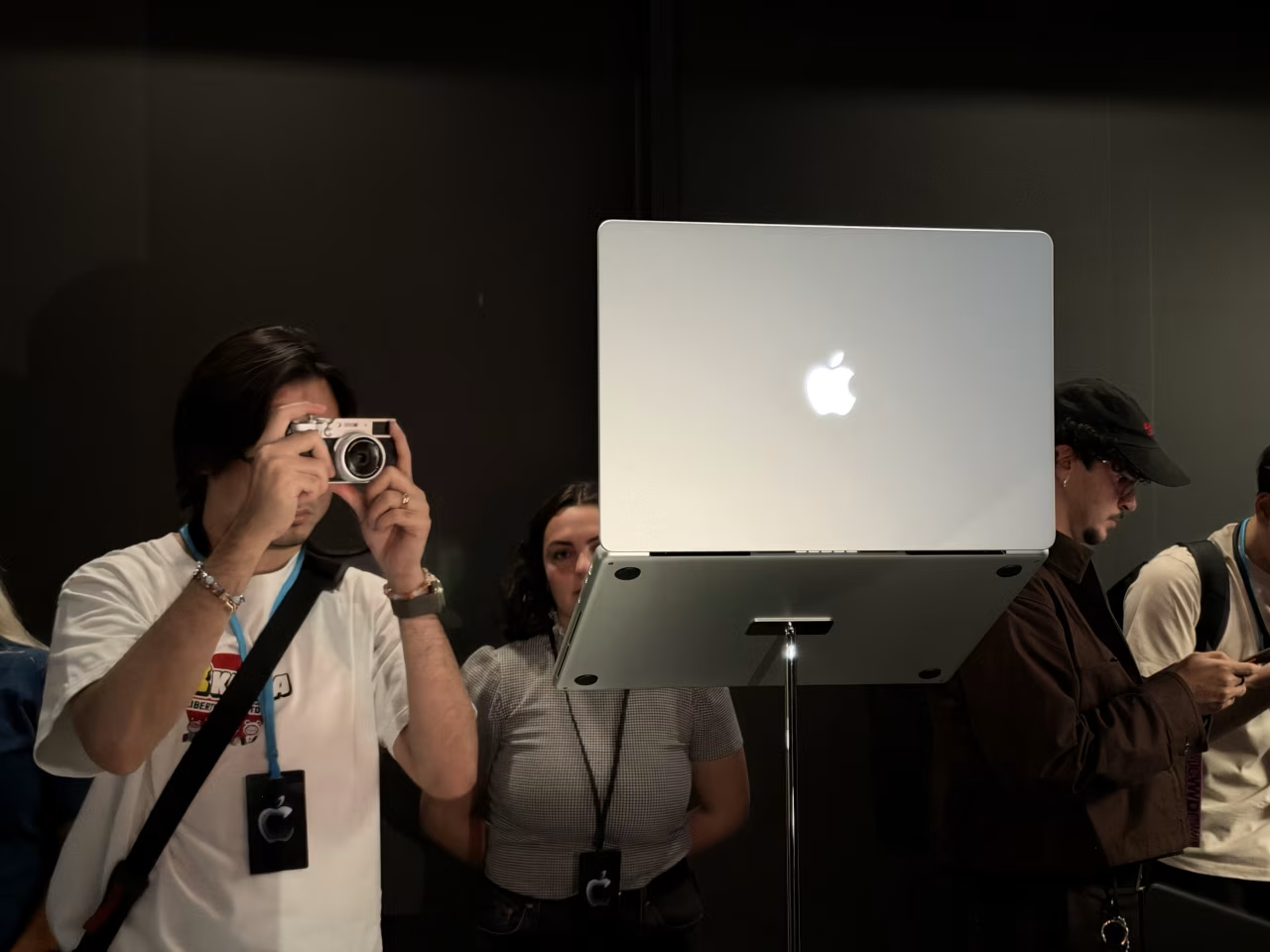
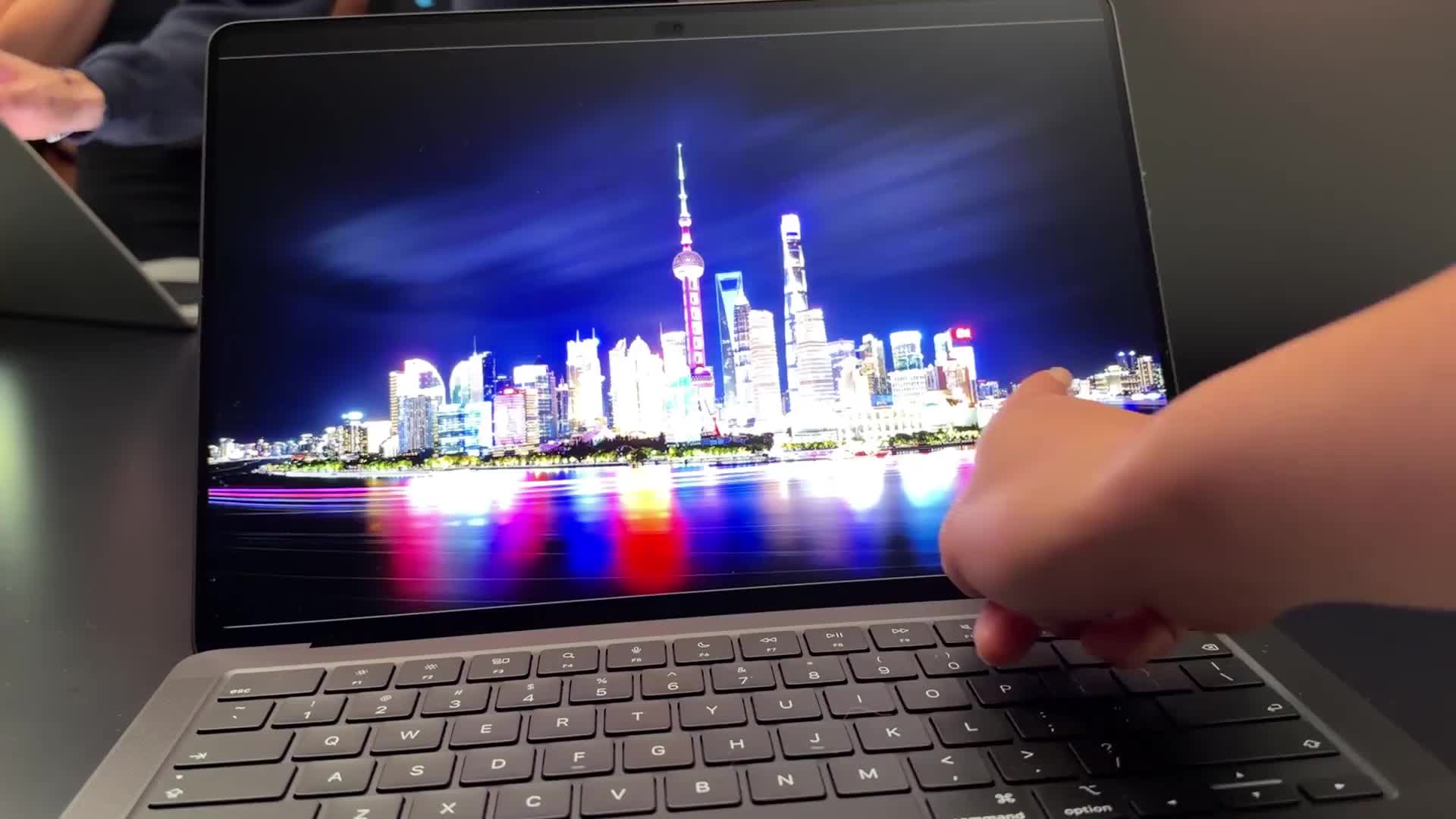
洛杉矶——故意在全新的 MacBook 屏幕上留下指纹,感觉很不对劲。但我确实那样做了,手指上下轻弹,快速浏览 wsj.com,就像在 iPhone 上一样。我放大一个缩略图,点击进入一条标题新闻。
LOS ANGELES—It felt wrong, getting fingerprints on this brand-new MacBook screen on purpose. But there I was, flicking my finger up and down to speedily scroll through wsj.com, just as I would on an iPhone. I zoomed in on a thumbnail, tapped to click on a headline.
这并非苹果在配备 PROLED XDR 显示屏的新款 MacBook Pro 中加入触控屏的初衷。这是一款高端机型,起售价 2899 美元——比最新的入门级 MacBook Pro 贵 900 美元——面向愿意支付高价的小众超级用户群体。
This isn’t exactly what Apple had in mind when it put a touch screen into its new MacBook Pro with PROLED XDR Display. It’s a high-end machine, starting at $2,899—$900 more than the latest entry-level MacBook Pro—and aimed at a niche group of superusers willing to pay top dollar.
但我们常看到创新功能先出现在最昂贵的机型上,随后逐渐下放。当我戳弄 Pro 的显示屏时,脑海中的问题是:如果触控屏什么时候登陆 MacBook Air 和其他机型,我会用它做什么?
But we’ve often seen innovative features appear first in the priciest models, then work their way down. As I poked and prodded the Pro’s display, the question on my mind was: If and when a touch screen comes to the MacBook Air and other models, what will I do with it?
2010 年,苹果创始人史蒂夫·乔布斯曾表示,公司曾考虑为 Mac 配备触控屏,但最终否决了这个想法。“演示效果很棒,但……用过一段时间后,你的胳膊会累得想砍下来。”在参加这次发布会前,我相信乔布斯的判断:抬起手臂去点击屏幕并不合理。这也是为什么即使是苹果为 iPad 设计的键盘也配有小触控板。
In 2010, Apple founder Steve Jobs said the company contemplated touch screens for Macs but rejected the idea. “It gives great demo, but…after an extended period of time, your arm wants to fall off.”Going into this event, I believed Jobs: Lifting your arm to tap the screen doesn’t make a lot of sense. It’s why even Apple’s keyboards for iPads have a little trackpad.
那么为什么现在要违背乔布斯的意愿?我体验新款 Pro 的时间给出了部分答案。
So why defy Jobs now? My time with the new Pro provided a partial answer.
如今的应用比 2010 年更加直观、交互性更强,触控在某些场景下确实感觉更自然。在我浏览地图时,直接在屏幕上缩放和平移更快。在视频编辑器中,用手指移动时间轴光标更容易。用触控板的话,我得笨拙地用拇指按住点击,同时用另一根手指滑动。
Apps are more visual and interactive today than they were in 2010, and touch does feel more natural in some places. As I navigated around a map, it was quicker for me to zoom and pan on the screen. In a video editor, it was easier to move the timeline cursor with my finger. Using a trackpad, I would have to awkwardly hold down a click with my thumb while swiping with another finger.
[视频] PTECH1028 - 触控屏 MacBook 当我花几个小时剪视频时,手会因为过度使用触控板而抽筋。我看得出触控屏在这方面能提供一些缓解。触控的主要优势是:你不必去寻找光标。
[video] PTECH1028 - Touch-Screen MacBook When I spend hours editing video, my hand cramps up from so much trackpadding. I could see how a touch screen might provide some relief there. The primary perk of touch: You don’t have to find the cursor.
在应用程序之外,我很好奇 Mac 界面本身的触控体验如何。凡是能用鼠标或触控板完成的操作,都能用手指完成:轻点相当于点按。从底部边缘向上滑动会显示程序坞。长按文件夹会展开选项菜单,我可以拖动手指将其移至别处。还有一些特殊手势:将窗口向一侧轻弹,它就会占据半个屏幕。然而,我并不觉得触控对这种日常电脑工作有什么好处。
Outside of the apps, I was curious about how the Mac interface itself felt. Anything I could do with a mouse or trackpad I could do with my finger: A tap is a click. Swiping up from the bottom edge reveals the dock. Long-pressing a folder expands a menu of options, and I can drag my finger to move it elsewhere. There are some special gestures, too: Flick a window to the side and it fills half the screen. Yet I don’t really see the touch benefit for this kind of day-to-day computer work.
尽管有一些适配触控的设计,但目标区域依然太小,正如乔布斯担心的那样,抬起手臂变得很费劲。Apple Pencil 对这种精准点按和文档标注会有帮助,但令人困惑的是,这款 MacBook Pro 并不支持 Apple Pencil。苹果称 iPad 上的软件已针对手写笔进行了优化。
Despite some touch-friendly accommodations, the targets are still too small and, per the Jobs concern, lifting my arm became an effort. An Apple Pencil would help for this kind of precision tapping and marking up documents but, confusingly, this MacBook Pro isn’t compatible with one. Apple says software on the iPad is optimized for the stylus.
一款触控屏钢琴的演示同样令人费解。显示屏无法平放,所以演奏任何稍像样的乐曲都要摆出别扭的姿势。不过,我对铰链的阻尼力度印象深刻,即使用力戳按,也能让屏幕保持直立。
A demo of a touch-screen piano was another head-scratcher. The display can’t lie flat, so it’s an awkward position to play anything remotely musical. I was impressed, though, by how stiff the hinge was, keeping the screen upright even with aggressive prodding.
上一次苹果试图给 MacBook Pro 加装触控屏——2016 年的 Touch Bar——最终体验不甚理想。(我把它当工作笔记本用,至今几乎每天还在找音量键。)2021 年,苹果把实体按键带了回来。
The last time Apple tried to add a touch screen to a MacBook Pro—the Touch Bar in 2016—it ended up being a less-than-ideal experience. (I use one as my work laptop, and I still hunt for the volume button pretty much daily.) In 2021, the company brought physical keys back.
我认为这次尝试在专业用户群体中可能更成功:摄影师、设计师等创意工作者,或许还有想用 Mac 测试自家应用触控交互的开发者。
I think this attempt could be more successful among the pro set: creatives like photographers and designers, and perhaps developers who want to use their Macs to test their apps’ touch interactions.
许多 Windows 笔记本已有触控屏多年,且该领域正在增长。据 IDC 数据,2025 年厂商出货触控笔记本 3340 万台,较 2024 年增长 22%。
Many Windows laptops have had touch screens for years, and it’s a growing sector. Vendors shipped 33.4 million touch notebooks in 2025, up 22% from 2024, according to IDC.
对于苹果而言,这有一定的商业理由,但 Pro 机型的价格意味着触控屏 Mac 短期内不会成为主流。“消费者喜欢有这个选项,但只有 11% 的人购买触控笔记本,而且他们很少愿意为它支付额外费用,” IDC 全球设备研究副总裁 Francisco Jeronimo 表示。
For Apple, there’s a business case to be made, but the Pro’s price means touch-screen Macs won’t be mainstream for a while. “Consumers like the option, but only 11% buy a touch laptop and they rarely pay extra for it,” says Francisco Jeronimo, IDC’s vice president of worldwide devices.
坦白说,触控在这款笔记本上更像是一个额外福利,而非核心卖点。真正的升级是新的 OLED 显示屏,带来更深邃的黑色表现和更高的对比度。这是同款用于 iPhone 的显示屏。就像 iPhone 一样,这款 Mac 也获得了“灵动岛”,它是通往后台运行应用(如 Spotify)的快捷入口。此外,它比标准版 Pro 轻半磅、薄一厘米。
Frankly, touch seems like a bonus on this laptop, not the main event. The real upgrade is the new OLED display for deeper blacks and better contrast. It’s the same kind of display that’s on the iPhone. Like the iPhone, this Mac also gets the Dynamic Island, a shortcut to apps running in the background, like Spotify. It’s also a half-pound lighter and a centimeter thinner than the standard Pro.
苹果本周早些时候还为普通用户发布了升级款设备:搭载 M6 芯片的 14 英寸 MacBook Pro、全系搭载 M6 芯片的 iMac 以及配备自家高亮 OLED 显示屏的新款 iPad Mini,起售价 699 美元,可选防眩光版本售价 899 美元。(我们早就告诉过你们苹果价格要涨!)如果你和我一样,对本季源源不断发布的苹果新品——还包括折叠屏 iPhone Duo 和 HomeView 智能家居中枢——感到应接不暇,请放心,至少在明年春天更便宜的 iPhone 发布前,不会再有其他新品在酝酿之中了。
Apple announced upgraded gear for the rest of us earlier this week: There’s a 14-inch MacBook Pro with an M6 chip update, an M6 refresh of the iMac line and a new iPad Mini with its own bright OLED display, starting at $699, with an optional antiglare step-up for $899. (We told you Apple prices were going up!) If you’re as overwhelmed as I am by this season’s steady stream of Apple stuff—also including the folding iPhone Duo and the HomeView smart-home hub—rest assured that nothing else is lurking on the horizon, at least until cheaper iPhones come due in the spring.